Best for Juniper
Model Y Juniper Screen Protectors: 16-inch and 15.4-inch
Protectors for both Juniper display sizes, with the trim split that decides which one you need.
Category
Tesla's own manual tells you not to fit one. That belongs at the top of this page, not buried at the bottom.
Disclosure: We earn a commission if you buy through our links. It does not change what we recommend. How we are funded.
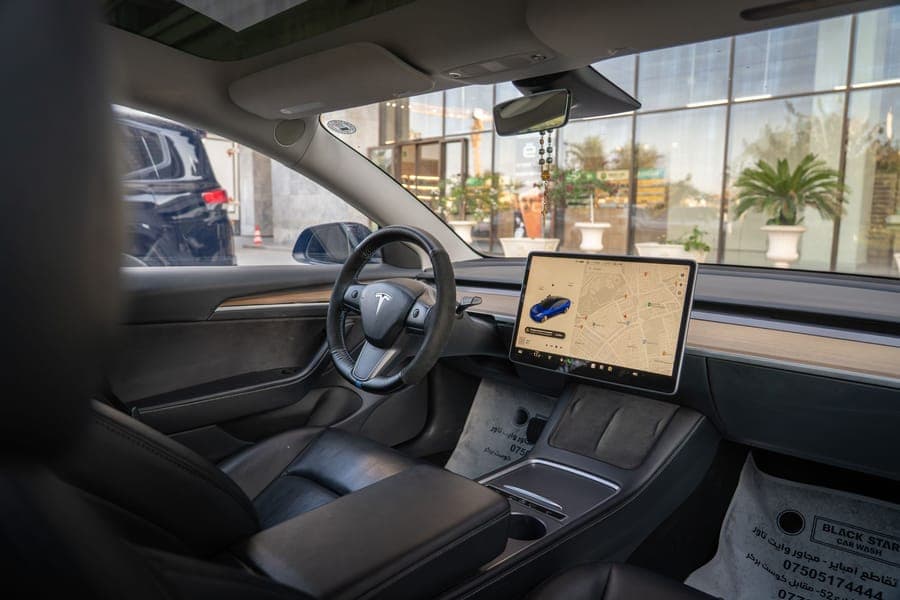
This is the one category on this site where we lead with a reason not to buy. Tesla's owner's manual states that you should not apply a screen protector to the touchscreen. The manual's stated reasons are unintended inputs, delayed or unresponsive touch behavior, and electrostatic discharge that can damage the display — and it says that damage caused by installing a screen protector is not covered by the vehicle warranty.
That is the manufacturer's position, in the manual that came with your car, and no amount of affiliate commission makes it go away. Plenty of owners fit protectors anyway and are happy with them. But you should make that choice knowing what Tesla says, not after discovering it in a warranty conversation. If you want the full detail, read does a screen protector void your Tesla warranty before you buy anything.
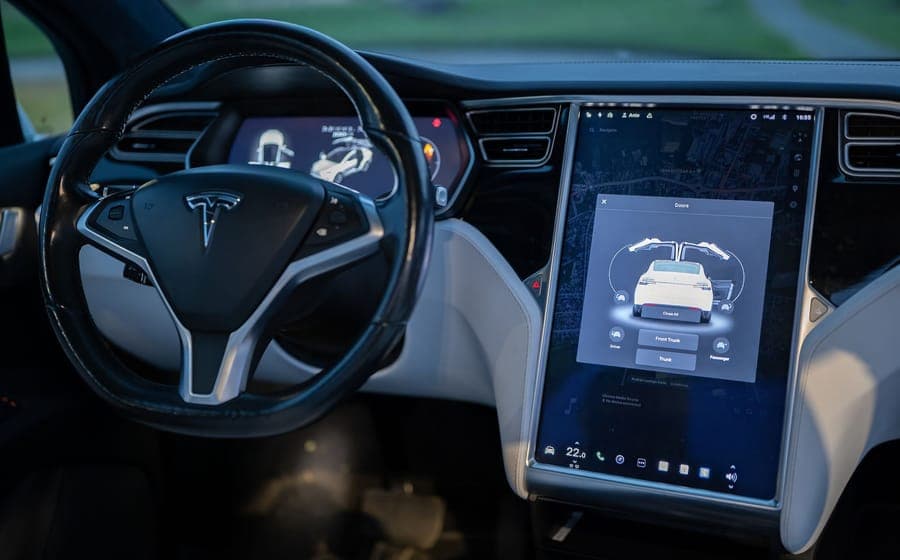
If you have read that and still want one, then the only thing that matters is size — and this is where most buyers go wrong. There are three center-display sizes across these cars, and the model year alone will not tell you which one you have. The 2020-2024 Model Y and 2017-2023 Model 3 use a 15-inch panel. The Model 3 Highland and the Model Y Juniper in RWD and AWD form use 15.4 inches. Model Y Premium and Performance, and the Model Y L, use a 16-inch 2560 x 1440 display. A 15.4-inch protector on a 16-inch screen leaves bare glass down one edge.
Model Y Juniper (2025-2026)
Protectors for both Juniper display sizes, with the trim split that decides which one you need.
Model Y (2020-2024)
Protectors cut for the 15-inch legacy Model Y display, which the newer 15.4-inch parts do not fit.
Model Y L (2026+, six-seat)
The Model Y L shares the 16-inch display with Juniper Premium and Performance, so protectors already exist for it.
Model 3 Highland (2024-2026)
Protectors for the 15.4-inch Highland display and its 8-inch rear screen, the best-supplied size in the range.
Model 3 (2017-2023)
Protectors for the 15-inch pre-Highland Model 3 display, with an honest case for skipping it.
Each page below is restricted to one generation. Nothing on this site recommends a part across a body change just because the model name is the same.
Best for Juniper
Protectors for both Juniper display sizes, with the trim split that decides which one you need.

Best for the 15-inch screen
Protectors cut for the 15-inch legacy Model Y display, which the newer 15.4-inch parts do not fit.
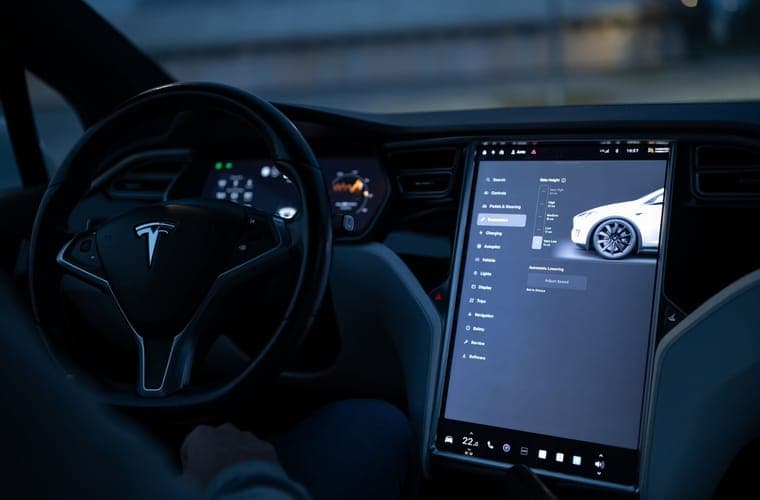
Best for Highland
Protectors for the 15.4-inch Highland display and its 8-inch rear screen, the best-supplied size in the range.
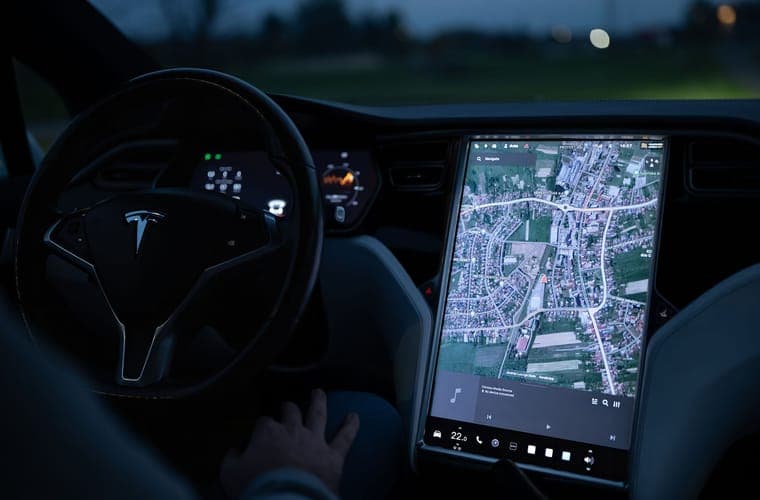
Best for 2017-2023
Protectors for the 15-inch pre-Highland Model 3 display, with an honest case for skipping it.
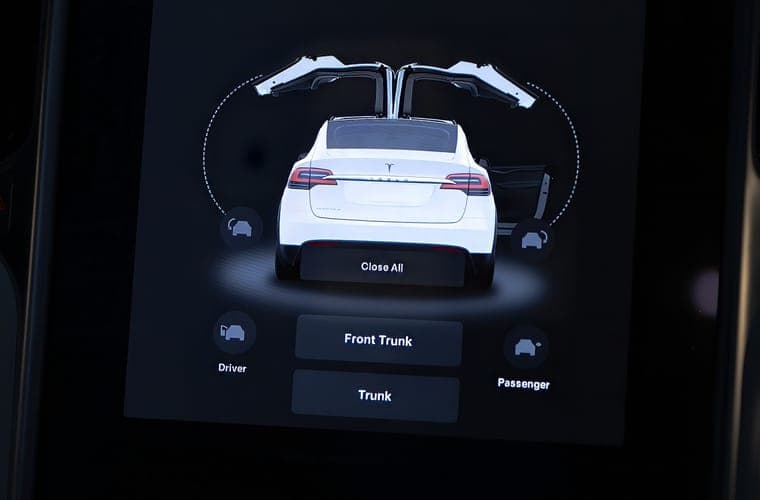
Best rear screen cover
Protectors for the 8-inch rear screen, which cars actually have one, and why it is the better-justified purchase.
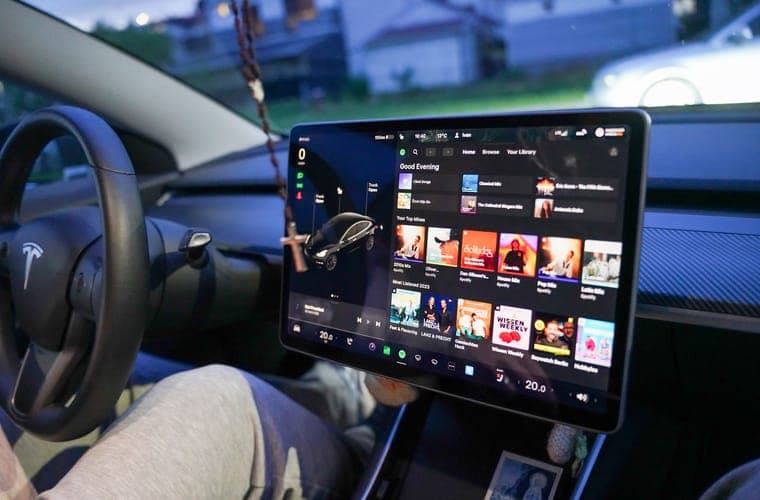
Model Y L fitment
The Model Y L shares the 16-inch display with Juniper Premium and Performance, so protectors already exist for it.
Comparison
The full display-size reference: 15, 15.4 and 16-inch, with resolutions and how to confirm yours.
Comparison
Matte against glossy: what each finish costs you, and which to pick by display resolution and how you use the car.
Comparison
Glass against film on thickness, touch response and scratch resistance — and why Tesla's warning tilts the answer.
Guide
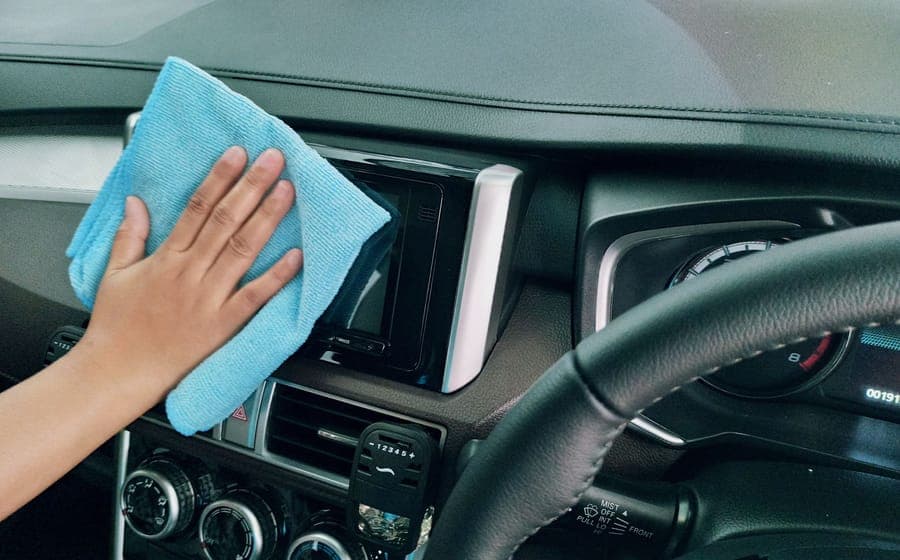
A step-by-step install method for a large protector: dust control, alignment and bubble recovery.
Size is the only pass-or-fail criterion here, and it is a stricter one than usual: a product appears on a page only if the listing states the display size, not merely the model year. Listings that name the display they do NOT fit get explicit credit, because that disclosure is rarer than it should be and it is the thing that prevents a wasted order.
After that we weigh whether an alignment frame is supplied, glass thickness, finish, and whether front and rear screen pieces are available for the trims that actually have a rear display. We have not fitted any of these protectors and make no claim about how they affect touch response in practice — Tesla's stated concerns stand on their own.
| Car | Center display | Rear screen |
|---|---|---|
| Model Y 2020-2024 | 15 in, 1920 x 1200, 16:10 | None |
| Model Y Juniper RWD / AWD | 15.4 in | None |
| Model Y Premium / Performance | 16 in, 2560 x 1440, 16:9 | 8 in |
| Model Y L (2026+) | 16 in, 2560 x 1440, 16:9 | 8 in |
| Model 3 2017-2023 | 15 in | None |
| Model 3 Highland 2024-2026 | 15.4 in | 8 in |
It does not void the whole vehicle warranty, but Tesla's owner's manual is explicit that damage caused by installing a screen protector is not covered. The manual also advises against fitting one at all, citing unintended inputs, delayed or unresponsive touch, and electrostatic discharge. In practice that means if the display develops a fault and a protector is fitted, you are in a much weaker position.
Matte reduces daylight reflections and hides fingerprints, at the cost of some sharpness in map detail and photography. Glossy keeps the display looking factory-fresh and does nothing about glare. If reflections are why you are buying, buy matte. If scratches are why you are buying, buy glossy and keep the clarity.
2020-2024 Model Y: 15 inches. Model Y Juniper RWD and AWD: 15.4 inches. Model Y Premium and Performance, and the Model Y L: 16 inches at 2560 x 1440. Verify yours from your Tesla account order details, the window sticker, or the vehicle's own specifications menu — do not assume from the model year. See [screen sizes by generation](/screen-protectors/screen-sizes-by-generation) for the full table.
Not all of them. The Model 3 Highland has an 8-inch rear screen. On the Model Y Juniper, the rear screen comes with the Premium and Performance trims that also have the 16-inch front display — the 15.4-inch RWD and AWD cars do not have one. Check before you buy a front-and-rear set.
Yes, and it is worth considering. A screen edge protector frame covers the bezel and the display's corners without applying anything over the touch surface, which sidesteps Tesla's stated concerns entirely. It does nothing about scratches or glare on the glass itself, so it is a genuine compromise rather than a free win.
Fitment
15.4-inch center touchscreen on RWD and AWD. Premium and Performance ship a 16-inch display (2560 x 1440, 16:9) plus an 8-inch rear screen.