
The REEVAA matte 9H glass is the one to buy if your display is 15.4 inches, which covers the Model 3 Highland and the 15.4-inch Juniper Model Y. Matte anti-glare glass with an alignment frame is the right specification, and the frame is why it is the pick: a protector fitted crooked is worse than no protector.
Before any of that, the thing that belongs at the top of this page: Tesla's owner's manual advises against applying a screen protector to the touchscreen, and states that damage caused by installing one is not covered by the warranty. We would rather you read the warranty page and then come back, because it changes how you should weigh everything below.
Why matte is the defensible reason to fit one
These are large, nearly vertical glossy displays sitting under a glass roof. They reflect sky, bright interior trim and whatever is behind your shoulder, and on a Model 3 Highland in afternoon sun the reflection can sit directly over the map. That is a real, repeatable problem with a real fix, and matte glass fixes it.
Scratch protection is the other reason people buy these, and it is much weaker. A vertical display that nothing rests against, touched by fingertips rather than by keys, is not a high-risk surface. If your car is three years old and the display is unmarked, you would be accepting a documented manufacturer-stated risk in order to mitigate one you have no evidence of.
What matte costs you
Matte works by diffusing reflected light across a microscopically textured surface. The same texture diffuses the light coming out of the display, so the trade is not free and it is not subtle on a map.
| Matte | Glossy | |
|---|---|---|
| Reflections | Scattered and much less distracting | Mirror-sharp |
| Map detail and small text | Slightly softened | Unchanged |
| Colour saturation | Marginally flatter | Unchanged |
| Fingerprints | Much less visible | Very visible |
| Touch feel | Drier, more friction | Slick |
| Right for | Owners who park and drive in bright sun | Owners who only want scratch cover |
Size before finish, every time
There are three centre-display sizes across these cars and the model year alone does not tell you which one you have. A 15.4-inch matte protector is a useless purchase for a 16-inch display, and no amount of careful fitting rescues it.
- 15.4-inch — Model 3 Highland and the 15.4-inch Juniper Model Y. Every matte option on this page is cut for this size.
- 16-inch — the larger Juniper display fitted to some 2026 Model Y trims. We have not found a confirmed matte option for it; the 16-inch roundup lists what does exist.
- 15-inch — 2020-2024 Model Y and 2017-2023 Model 3. Glossy glass is what is available here; see the 15-inch roundup.
- Rear screen — the Juniper's second-row display is its own part. The rear-screen page covers it.
Screen sizes by generation is the page that settles which display your specific car has, and it takes about thirty seconds. Do that before you order anything on this page.
Quick picks
| # | Product | Best for | Score | Price |
|---|---|---|---|---|
| 1 | 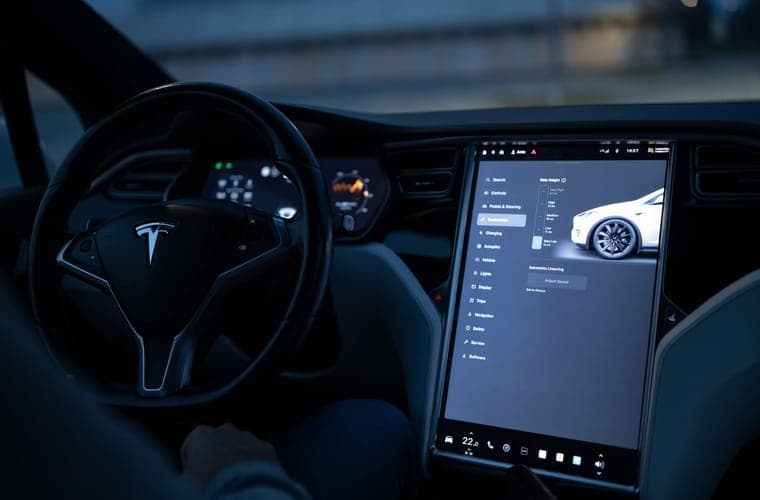 REEVAA 15.4-inch matte anti-glare tempered glass The 15.4-inch matte benchmark, and the alignment frame is why. | Best overall matte | 8.7 | |
| 2 | 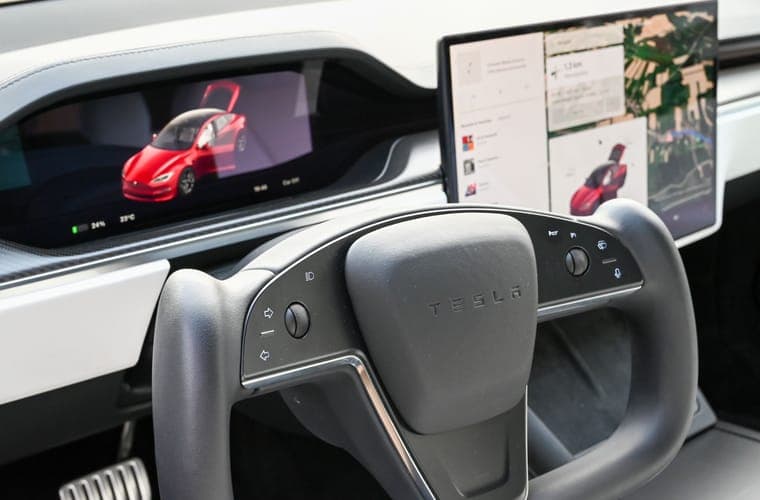 3W 15.4-inch matte tempered glass Honest about fitment, which in this category is worth more than the glass itself. | Best if you also have a rear screen | 8.4 | |
| 3 | 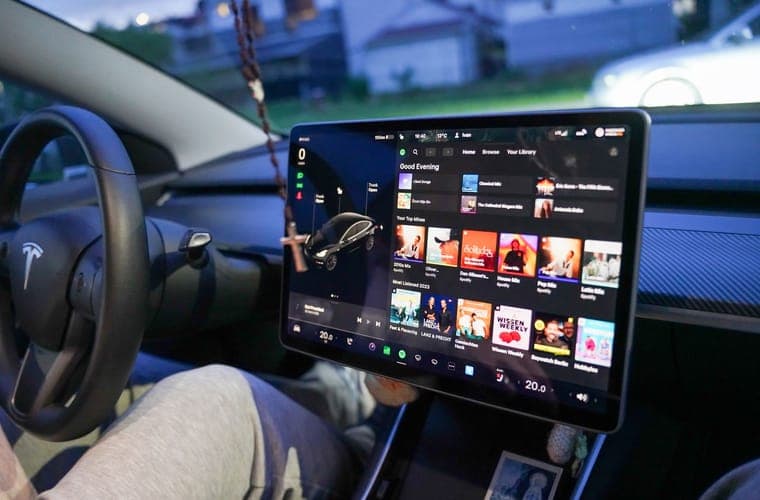 TPARTS tempered glass (glossy or matte) A straightforward Highland protector with the finish left up to you. | Best if you want to choose the finish | 8.2 |
Scores are our editorial assessment of fitment scope, published materials and coverage. They are not lab measurements and we have not tested these products.
1. Best overall matte
REEVAA 15.4-inch matte anti-glare tempered glass
Matte anti-glare 9H glass with an alignment frame, which is the feature that decides whether a first-time fit goes well. Listed for the 15.4-inch display, so it covers Highland and the 15.4-inch Juniper — and not the 16-inch Juniper display.
Best for: Highland and Juniper owners who want glare gone, not just scratches prevented
Fits: Model 3 Highland (2024-2026) · Model Y Juniper (2025-2026)
What works
- The alignment frame is the difference between a clean first attempt and a bubbled mess
- Matte finish genuinely reduces the daytime reflections the glossy panel suffers from
- 15.4-inch cut is stated explicitly rather than left to a model-year guess
What does not
- Matte scatters light, so colors and map detail lose a little crispness
- Does not fit the 16-inch Premium or Performance display — a common and expensive mistake
Manufacturer specifications
- 9H tempered glass, matte anti-glare finish with an anti-fingerprint coating
- 15.4-inch cut, listed for 2024-2026 Model 3 Highland and the 15.4-inch Juniper display
- Supplied with an alignment frame
Specifications as published by the manufacturer. We have not independently tested this product.
Specification sources: REEVAA 15.4-inch matte anti-glare screen protector listing, Model Y screen-size fitment: 15.4 vs 16-inch
2. Best if you also have a rear screen
3W 15.4-inch matte tempered glass
Matte coverage for the front and rear displays together, which is the cheaper way to do both than buying two separate parts. No alignment frame, so take your time with it.
Best for: Owners who want matte coverage for front and rear screens together
Fits: Model 3 Highland (2024-2026) · Model Y Juniper (2025-2026)
What works
- One of the few listings that names the display it does not fit — exactly the disclosure this category needs
- Front and rear pieces in one purchase
What does not
- Matte costs some sharpness, as it always does
- The explicit 2026 exclusion means you must know your trim, not just your model year
Manufacturer specifications
- Matte coating described by the manufacturer as glare-reducing while retaining HD clarity
- Covers the front 15.4-inch display and the rear screen
- Listing explicitly states it does NOT fit the 2026 Model Y Juniper 16-inch display
Specifications as published by the manufacturer. We have not independently tested this product.
Specification sources: 3W 15.4-inch tempered glass screen protector listing
3. Best if you want to choose the finish
TPARTS tempered glass (glossy or matte)
Sold in glossy or matte, which matters because matte is a genuine trade rather than a straight upgrade and some owners change their mind. Highland only.
Best for: Highland owners who want to choose the finish themselves
Fits: Model 3 Highland (2024-2026)
What works
- Same fit in both finishes, so the decision is purely about glare versus sharpness
- Highland-specific rather than a shared Model 3 part
What does not
- No alignment frame, so a careful first placement matters more
- Less independent reporting than the better-known brands
Manufacturer specifications
- Available in glossy and matte for the same part
- Cut for the 2024-2026 Model 3 Highland display
- Tempered glass construction
Specifications as published by the manufacturer. We have not independently tested this product.
Specification sources: TPARTS tempered glass screen protector for Model 3 Highland
Fitting matte glass well
Matte glass is slightly more forgiving than glossy about dust, because the textured surface hides a small particle better than a mirror does. It is no more forgiving about alignment, and a protector sitting a few millimetres off centre is permanently visible against the bezel.
Fit it with the display off, in still air, with the car cool. Installing without bubbles is the step-by-step, and the single most useful instruction in it is to do it indoors.
If the manufacturer warning has put you off applying anything over the touch layer — a reasonable conclusion — a bezel frame protects the display surround and corners without covering the glass. It does nothing about glare, which is probably why you are on this page, but it is the honest third option.
Questions people actually ask
Is a matte screen protector worth it for a Tesla?
If glare over the map is your problem, yes — matte genuinely fixes it. If scratch protection is your reason, the case is much weaker, and Tesla's manual advises against fitting a protector at all.
Does matte make the screen look worse?
Slightly, and most on small text and saturated colour. The texture that scatters reflected light also scatters emitted light. Owners who care most about glare consider it an easy trade; owners who read dense menus often do not.
Is there a matte protector for the 16-inch Juniper display?
We have not found a confirmed matte option for the 16-inch display. The 16-inch parts we can verify are glossy tempered glass. Check your display size first, because the 15.4-inch matte parts will not fit.
Does a matte protector affect touch response?
Any protector sits between your fingertip and a capacitive sensor, and Tesla's manual lists delayed or unresponsive touch as one of its stated concerns. Thinner is better. If you notice unintended inputs after fitting one, remove it.
Sources
- 3W matte tempered-glass screen protector listing
- TPARTS tempered glass for Model 3 Highland
- Model Y screen size and fitment reference
- Tesla Owner's Manual (North America PDF)
- Does a Tesla need a screen protector?
Specifications and fitment claims on this page come from the manufacturer and retailer pages listed above. We have not tested these products and do not claim to have.
Read next
Screen Protectors
Matte vs Glossy Tesla Screen Protectors
Matte against glossy: what each finish costs you, and which to pick by display resolution and how you use the car.
Screen Protectors
Tesla Model Y and Model 3 Screen Sizes by Generation
The full display-size reference: 15, 15.4 and 16-inch, with resolutions and how to confirm yours.
Screen Protectors
Best Screen Protectors for the Model 3 Highland
Protectors for the 15.4-inch Highland display and its 8-inch rear screen, the best-supplied size in the range.
Screen Protectors
Model Y Juniper Screen Protectors: 16-inch and 15.4-inch
Protectors for both Juniper display sizes, with the trim split that decides which one you need.
Guides
Does a Screen Protector Void Your Tesla Warranty?
Exactly what Tesla's manual says about touchscreen protectors, what it means for warranty cover, and the alternatives.
Screen Protectors
Install a Tesla Screen Protector Without Bubbles
A step-by-step install method for a large protector: dust control, alignment and bubble recovery.