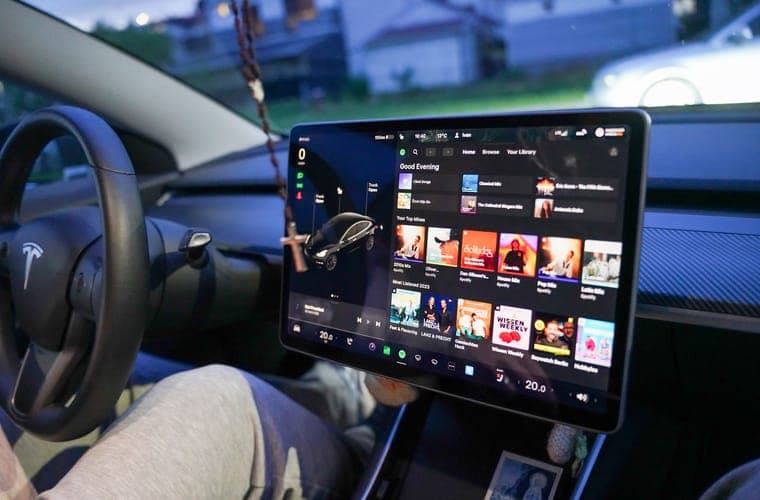
Before anything else: Tesla's owner's manual advises against fitting a touchscreen protector at all, and states that damage caused by installing one is not covered by the warranty. If you have not read that guide, start there. This page assumes you have decided to go ahead.
Matte and glossy are not quality tiers. They are different optical treatments with opposite strengths, and the right one depends on your display and how you use the car.
Side by side
| Matte / anti-glare | Glossy / clear | |
|---|---|---|
| Daylight reflections | Substantially reduced | Unchanged |
| Map and image sharpness | Slightly softened | Factory-identical |
| Fingerprints | Much less visible | Very visible |
| Color saturation | Slightly muted | Unchanged |
| Night driving | Slight halo around bright elements | Clean |
| Best on | Lower-resolution 15 and 15.4-inch panels | The 16-inch 2560 x 1440 panel |
The case for matte
The genuine problem with these displays is reflection. They are large, nearly vertical, and sit in front of a windshield, which means sky and bright interior surfaces reflect into them. In an open-topped, glass-roofed car with pale upholstery, that is worse than in most cars. A matte finish diffuses those reflections instead of mirroring them, and it hides fingerprints, which on a display this size genuinely matters.
The case for glossy
A matte surface works by scattering light, and it scatters the light coming out of the display as well as the light going in. On a high-resolution panel that is a real loss: fine map text, album art and camera views all soften slightly. If your car has the 16-inch 2560 x 1440 display, you paid for that resolution, and hazing it to solve a reflection problem is a questionable trade.
Our call, by car
- 15-inch (2020-2024 Model Y, 2017-2023 Model 3): matte. The panel is not high-resolution enough for the sharpness loss to matter much, and these cars are the ones where glare complaints are most common.
- 15.4-inch (Highland, Juniper RWD and AWD): matte if glare bothers you, clear if it does not. This is a genuine toss-up and both are well served — see Highland picks.
- 16-inch (Juniper Premium and Performance, Model Y L): clear. Protect the resolution you paid for, and use the sun visor for glare.
- 8-inch rear screen: matte, every time. Nobody is studying map detail back there and fingerprint resistance is the whole point.
A third option people forget
You can protect the bezel and the display corners with a frame and leave the glass alone. That gets you physical protection at the most vulnerable point, keeps the display exactly as the factory intended, and does not contradict Tesla's guidance. It does nothing about glare. For a lot of owners it is the most sensible answer in this entire hub.
One of each finish
Read the warranty guide first if you have not. If you have decided to fit one, the finish is the next decision and it is a genuine trade rather than a quality difference.
Quick picks
| # | Product | Best for | Score | Price |
|---|---|---|---|---|
| 1 | 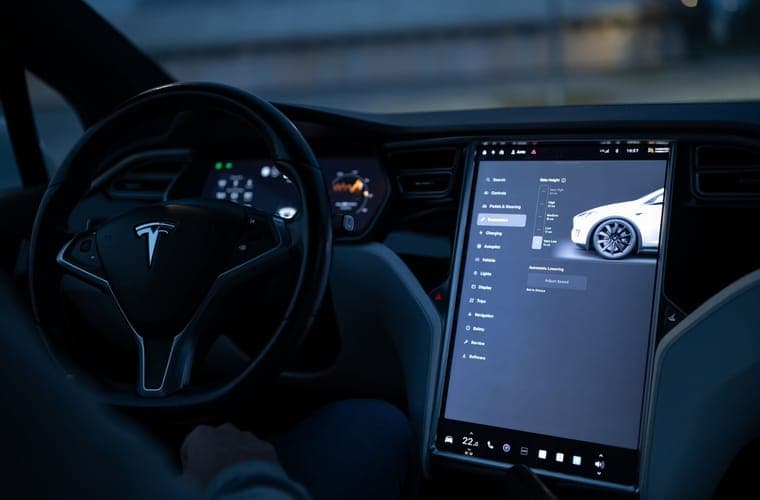 REEVAA 15.4-inch matte anti-glare tempered glass The 15.4-inch matte benchmark, and the alignment frame is why. | Best matte | 8.7 | |
| 2 | 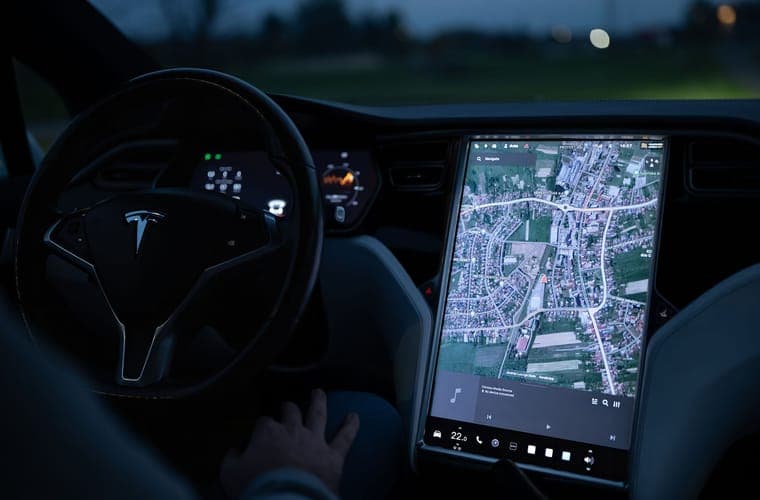 Abstract Ocean ultra-premium 9H tempered glass The premium pick. Buy it when you want the safest version of a risky modification. | Best glossy | 8.4 |
Scores are our editorial assessment of fitment scope, published materials and coverage. They are not lab measurements and we have not tested these products.
1. Best matte
REEVAA 15.4-inch matte anti-glare tempered glass
Anti-glare, and it is the right answer if your car lives outdoors in strong sun. Matte etching diffuses light, which also softens text slightly — on a 15.4-inch display at arm's length that is a smaller cost than it sounds, but it is not zero.
Best for: Highland and Juniper owners who want glare gone, not just scratches prevented
Fits: Model 3 Highland (2024-2026) · Model Y Juniper (2025-2026)
What works
- The alignment frame is the difference between a clean first attempt and a bubbled mess
- Matte finish genuinely reduces the daytime reflections the glossy panel suffers from
- 15.4-inch cut is stated explicitly rather than left to a model-year guess
What does not
- Matte scatters light, so colors and map detail lose a little crispness
- Does not fit the 16-inch Premium or Performance display — a common and expensive mistake
Manufacturer specifications
- 9H tempered glass, matte anti-glare finish with an anti-fingerprint coating
- 15.4-inch cut, listed for 2024-2026 Model 3 Highland and the 15.4-inch Juniper display
- Supplied with an alignment frame
Specifications as published by the manufacturer. We have not independently tested this product.
Specification sources: REEVAA 15.4-inch matte anti-glare screen protector listing, Model Y screen-size fitment: 15.4 vs 16-inch
2. Best glossy
Abstract Ocean ultra-premium 9H tempered glass
Keeps the display looking like the factory screen, which is what most owners actually want. It also keeps the factory screen's reflections.
Best for: Owners who want the best-regarded glass and will pay for it
Fits: Model 3 Highland (2024-2026) · Model Y Juniper (2025-2026)
What works
- A long-established Tesla specialist rather than a marketplace brand, with real support behind the part
- Offering both front and rear pieces matters on cars that have a second-row screen
What does not
- Among the most expensive protectors in this category
- Sold direct, so delivery is slower than a marketplace order
Manufacturer specifications
- 9H tempered glass in matte and clear finishes
- Front and rear screen sets available
- Cut for the refreshed 15.4-inch Model 3 display
Specifications as published by the manufacturer. We have not independently tested this product.
Reference: Abstract Ocean product page — we do not earn a commission there.
Specification sources: Abstract Ocean ultra-premium 9H tempered glass for the refreshed Model 3
Questions people actually ask
Is matte or glossy better for a Tesla?
Matte if reflections are your complaint, glossy if you want the display untouched. On the 16-inch high-resolution panel we would stay clear; on the 15-inch panels matte is the better trade.
Does matte make the screen look dull?
Slightly. Colors are a little less saturated and fine text is marginally softer. Most people stop noticing within a week; some never adapt to it.
Does matte help at night?
It reduces reflections of interior lighting, but it can add a faint halo around bright elements against a dark background. Net effect at night is roughly neutral.
Can I get a matte film rather than matte glass?
Yes, and film is thinner, which matters given Tesla's concerns about the touch layer. It scratches more easily than tempered glass. See [tempered glass vs film](/screen-protectors/tempered-glass-vs-film).
Sources
- Tesla Owner's Manual (North America PDF) — touchscreen care and screen-protector guidance
- Tesla Owner's Manual — cleaning the touchscreen
- REEVAA matte anti-glare 15.4-inch protector
- TPARTS Highland protector in glossy and matte
- Model Y display resolution by variant
Specifications and fitment claims on this page come from the manufacturer and retailer pages listed above. We have not tested these products and do not claim to have.
Read next
Screen Protectors
Tempered Glass vs Film Screen Protectors
Glass against film on thickness, touch response and scratch resistance — and why Tesla's warning tilts the answer.
Screen Protectors
Best Screen Protectors for the Model 3 Highland
Protectors for the 15.4-inch Highland display and its 8-inch rear screen, the best-supplied size in the range.
Screen Protectors
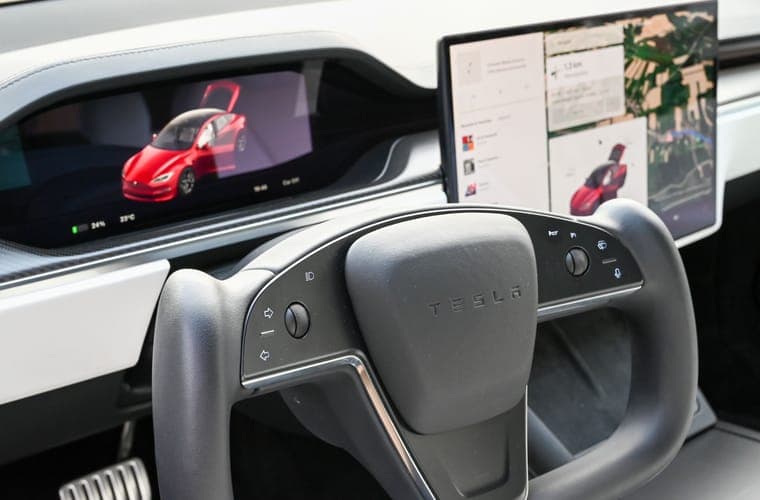
Model Y Juniper Screen Protectors: 16-inch and 15.4-inch
Protectors for both Juniper display sizes, with the trim split that decides which one you need.
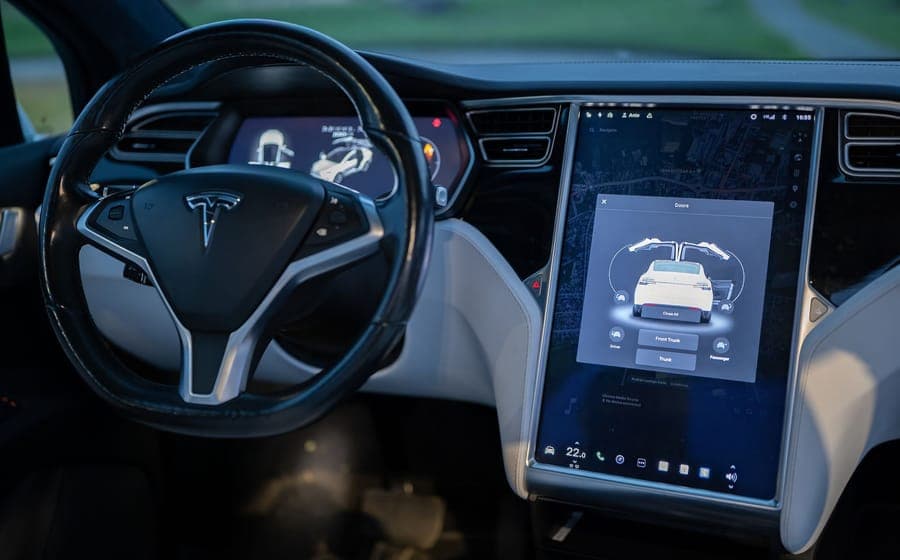
Screen Protectors
Tesla Model Y and Model 3 Screen Sizes by Generation
The full display-size reference: 15, 15.4 and 16-inch, with resolutions and how to confirm yours.
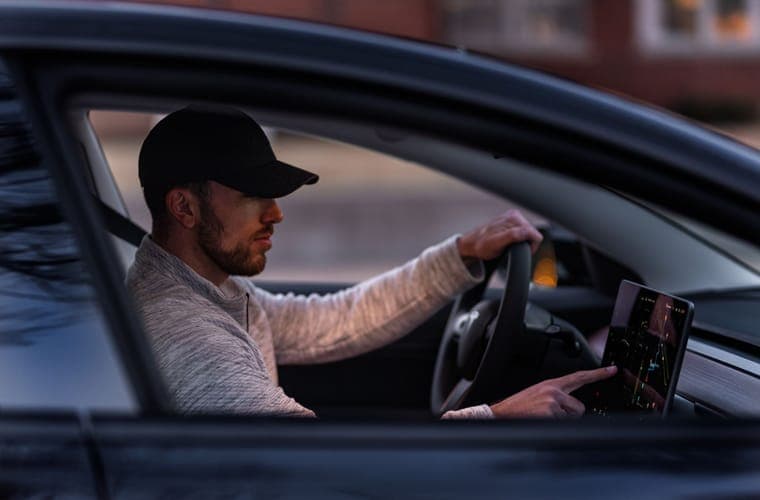
Guides
Do You Need a Tesla Screen Protector?
The case for and against, separated by what you are actually worried about — scratches, glare or fingerprints.