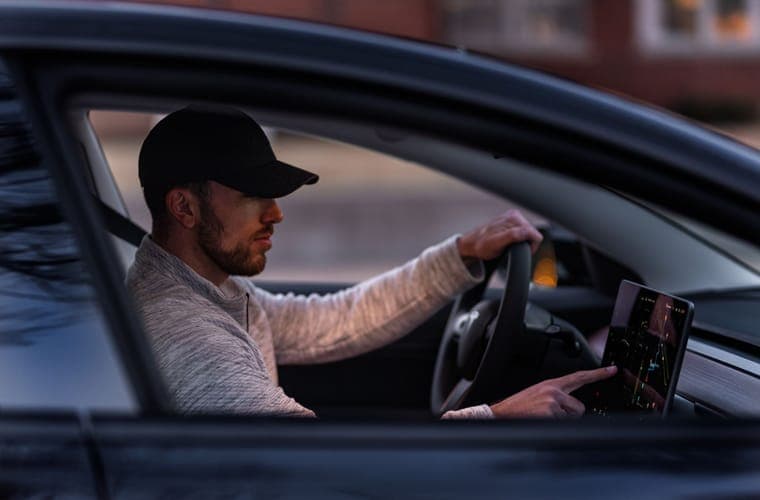
Most content about Tesla screen protectors starts from the assumption that you need one and moves straight to which. This page does not. Start with Tesla's own position: the owner's manual advises against fitting one, citing unintended inputs, delayed or unresponsive touch and electrostatic discharge, and excludes resulting damage from warranty cover. The warranty guide covers that in full.
Given that, the useful question is not "which protector" but "what am I actually worried about" — because there are three different worries, and only one of them clearly points toward buying a protector.
Worry one: scratches
Think about what scratches a phone screen: keys and coins in a pocket, dropping it face down, sand. None of those apply to a car display. It is mounted vertically on the dash, nothing is placed on it, nothing rubs against it, and it is touched by fingertips.
The practical evidence is easy to check: look at older Teslas. A 2019 Model 3 that has never had a protector usually has an unmarked display. If your car is a few years old and the screen is fine, the risk you would be insuring against has already not materialized.
Verdict: weak case. You would be accepting a documented risk, from the manufacturer's own manual, to insure against an undocumented one.
Worry two: glare
This is the real one. These displays are large, nearly vertical, high-gloss, and sit in front of a windshield, under a glass roof, often with pale upholstery — which gives them plenty to reflect. In certain sun angles the reflection genuinely competes with the map.
A matte protector fixes it. Not partially — the difference is immediate and obvious, because a matte surface diffuses the reflection instead of mirroring it. The cost is some sharpness in fine detail, which matters more on the high-resolution 16-inch display than on the 15-inch panels.
Verdict: strong case, if glare actually bothers you in your car on your commute. Not if you are anticipating a problem you have not had.
Quick picks
| # | Product | Best for | Score | Price |
|---|---|---|---|---|
| 1 | 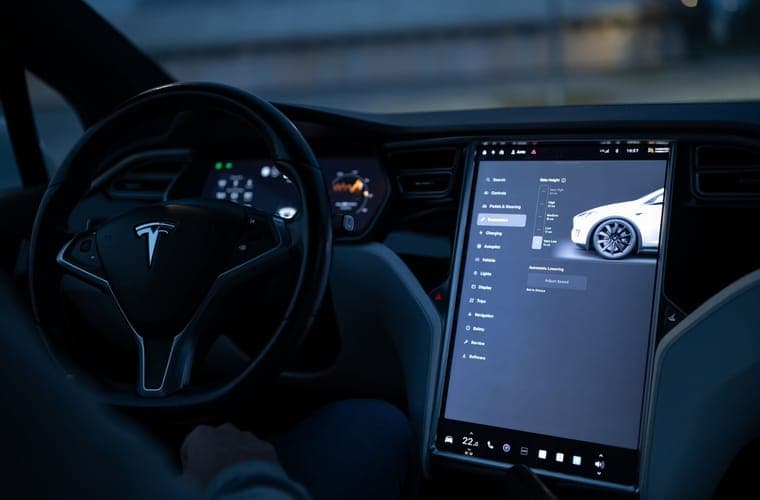 REEVAA 15.4-inch matte anti-glare tempered glass The 15.4-inch matte benchmark, and the alignment frame is why. | If the answer is glare | 8.7 | |
| 2 | 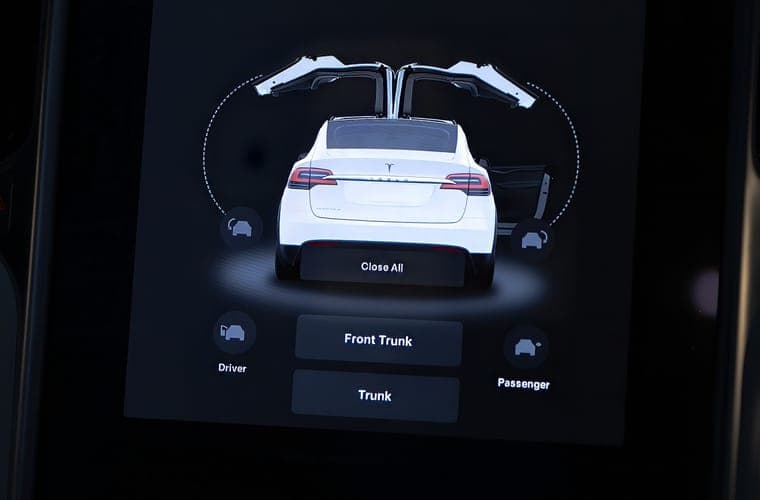 TOPABYTE screen edge protector frame The compromise for anyone who read Tesla's guidance and decided not to cover the screen. | If the answer is physical knocks | 8.6 | |
| 3 | 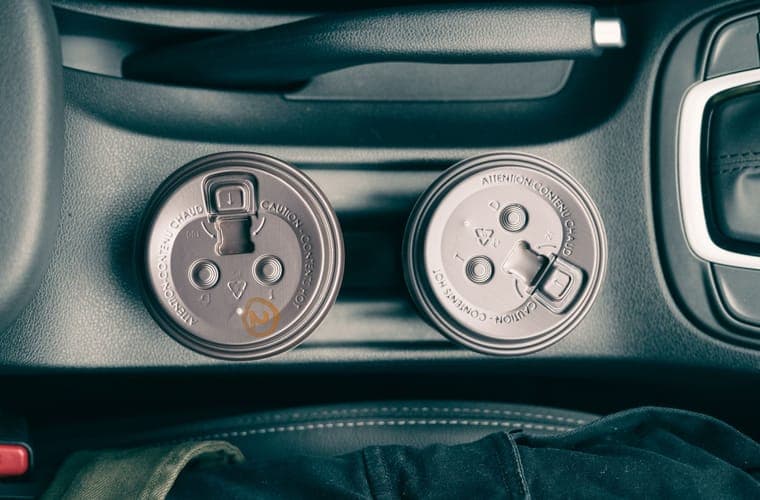 BASENOR cup-holder insert A few dollars, removes a daily annoyance. Easy recommendation. | If the honest answer is no | 8.8 |
Scores are our editorial assessment of fitment scope, published materials and coverage. They are not lab measurements and we have not tested these products.
1. If the answer is glare
REEVAA 15.4-inch matte anti-glare tempered glass
Matte anti-glare 9H glass with an alignment frame, which is what you want if reflections are the real complaint. Matte softens map detail slightly, and it does not fit a 16-inch display.
Best for: Highland and Juniper owners who want glare gone, not just scratches prevented
Fits: Model 3 Highland (2024-2026) · Model Y Juniper (2025-2026)
What works
- The alignment frame is the difference between a clean first attempt and a bubbled mess
- Matte finish genuinely reduces the daytime reflections the glossy panel suffers from
- 15.4-inch cut is stated explicitly rather than left to a model-year guess
What does not
- Matte scatters light, so colors and map detail lose a little crispness
- Does not fit the 16-inch Premium or Performance display — a common and expensive mistake
Manufacturer specifications
- 9H tempered glass, matte anti-glare finish with an anti-fingerprint coating
- 15.4-inch cut, listed for 2024-2026 Model 3 Highland and the 15.4-inch Juniper display
- Supplied with an alignment frame
Specifications as published by the manufacturer. We have not independently tested this product.
Specification sources: REEVAA 15.4-inch matte anti-glare screen protector listing, Model Y screen-size fitment: 15.4 vs 16-inch
2. If the answer is physical knocks
TOPABYTE screen edge protector frame
Bezel and corner protection with nothing applied over the touch layer, so Tesla's stated concerns do not apply. No help against scratches or glare on the glass.
Best for: Owners who want the bezel protected without covering the glass
Fits: Model Y Juniper (2025-2026) · Model 3 Highland (2024-2026) · Model Y (2020-2024) · Model 3 (2017-2023)
What works
- Avoids Tesla's stated concerns entirely, because nothing is applied over the touch layer
- Protects the corner the display is most often knocked against
What does not
- Does nothing about scratches or glare on the glass itself
- Sold as part of a bundle, so you may be buying two pieces you did not want
Manufacturer specifications
- Frame that protects the display surround, not the touch surface
- Part of a three-piece console accessory set
- Listed as compatible with the 2026 Model Y Juniper
Specifications as published by the manufacturer. We have not independently tested this product.
Specification sources: TOPABYTE 3-piece center console accessory set, Tesla Model 3 Owner's Manual (North America PDF) — touchscreen care
3. If the honest answer is no
BASENOR cup-holder insert
Deliberately here. If you have concluded you do not need a screen protector, a cup-holder insert is a few dollars and you will notice it every drive. It reduces the maximum cup diameter.
Best for: Stopping cups from rattling and tipping
Fits: Model Y (2020-2024) · Model Y Juniper (2025-2026) · Model 3 (2017-2023) · Model 3 Highland (2024-2026)
What works
- Tesla's cup wells are wide, and a narrow cup rattles in them constantly — this is the direct fix
- Cheapest single accessory on this site that you will notice every day
What does not
- Reduces the maximum cup diameter the well can take
- Needs lifting out to clean properly after a spill
Manufacturer specifications
- Insert mat shaped to the console cup-holder wells
- Soft compound chosen to damp movement
- Supplied as part of the four-piece set and separately
Specifications as published by the manufacturer. We have not independently tested this product.
Specification sources: BASENOR 4-piece console organizer for Juniper and Highland, Model Y cup-holder accessory comparison
Worry three: fingerprints
Legitimate but small. A glossy display shows every fingerprint, and the only control surface in the car is that display, so you touch it constantly. A matte finish hides them dramatically better.
But a microfibre cloth in the door pocket solves the same problem for a dollar, and Tesla publishes its own touchscreen cleaning guidance. Verdict: not a reason on its own.
The summary table
| Worry | Verdict | Action |
|---|---|---|
| Scratches on the glass | Weak case | Skip it, or fit a bezel frame for corner protection |
| Daytime glare and reflections | Strong case | Matte protector, thinnest available |
| Fingerprints | Not on its own | Microfibre cloth in the door pocket |
| Children touching the rear screen | Reasonable case | Protect the rear screen specifically |
| A knock to the display corner | Reasonable case | Bezel frame — nothing over the touch layer |
The one place we would fit one without hesitation
The 8-inch rear screen on a Model 3 Highland or a Model Y Juniper Premium, if children ride in the back. That screen is at child head height, it controls the entertainment, and it is handled rather than touched. The physical risk is genuinely higher than on the front display. See rear screen protectors.
What to do with the money if the answer is no
A cup-holder insert, a console tray, or a windshield sunshade — all cheaper than a good protector, all things you notice daily, and none of them contradicting the owner's manual. That is not a joke recommendation; it is where we think the money genuinely goes further.
Questions people actually ask
Do Tesla screens scratch easily?
Not in normal use. A vertically mounted display touched by fingertips does not face what scratches a phone. Older cars without protectors usually have unmarked displays.
Is matte or glossy better?
Matte if glare is your issue, and glare is the strongest reason to fit anything. Glossy keeps the display factory-crisp and does nothing about reflections.
Should I protect the rear screen?
If children use it, there is a real case — it is handled rather than touched. Tesla's guidance against covering touchscreens applies to it too.
Is there a no-risk option?
A bezel frame protects the surround and corners with nothing over the touch layer. It does not address scratches or glare on the glass.
Sources
- Tesla Owner's Manual (North America PDF) — touchscreen care and screen-protector guidance
- Tesla Owner's Manual — cleaning the touchscreen
- Does a Tesla need a screen protector?
- REEVAA matte anti-glare protector listing
Specifications and fitment claims on this page come from the manufacturer and retailer pages listed above. We have not tested these products and do not claim to have.
Read next
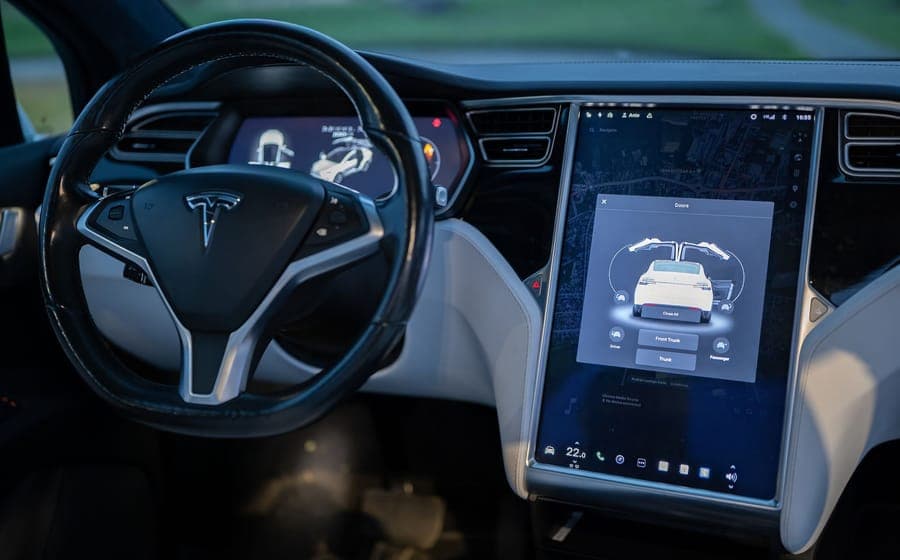
Guides
Does a Screen Protector Void Your Tesla Warranty?
Exactly what Tesla's manual says about touchscreen protectors, what it means for warranty cover, and the alternatives.
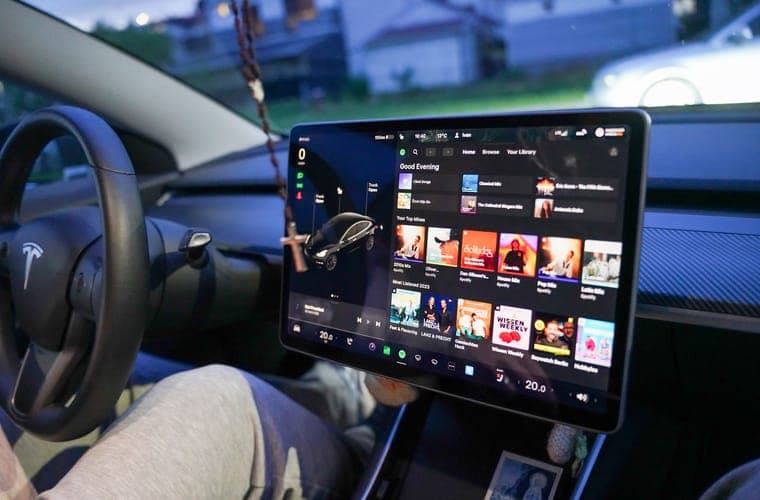
Screen Protectors
Matte vs Glossy Tesla Screen Protectors
Matte against glossy: what each finish costs you, and which to pick by display resolution and how you use the car.
Screen Protectors
Rear Screen Protectors for the 8-inch Back Seat Display
Protectors for the 8-inch rear screen, which cars actually have one, and why it is the better-justified purchase.
Screen Protectors
Tesla Model Y and Model 3 Screen Sizes by Generation
The full display-size reference: 15, 15.4 and 16-inch, with resolutions and how to confirm yours.
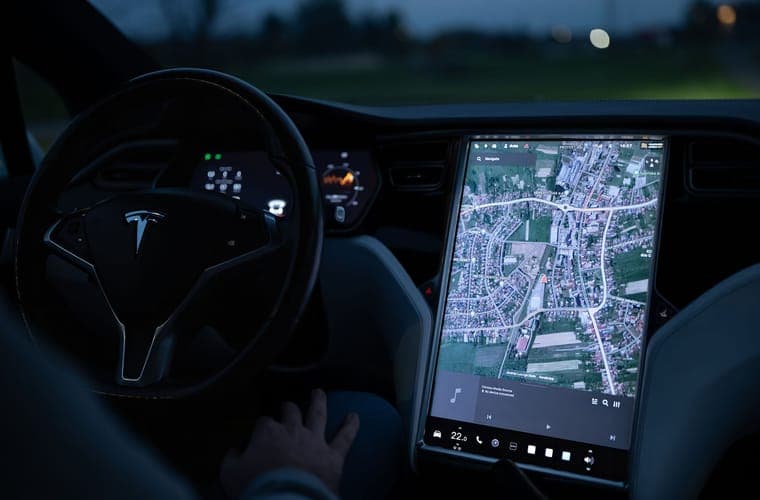
Screen Protectors
Tempered Glass vs Film Screen Protectors
Glass against film on thickness, touch response and scratch resistance — and why Tesla's warning tilts the answer.